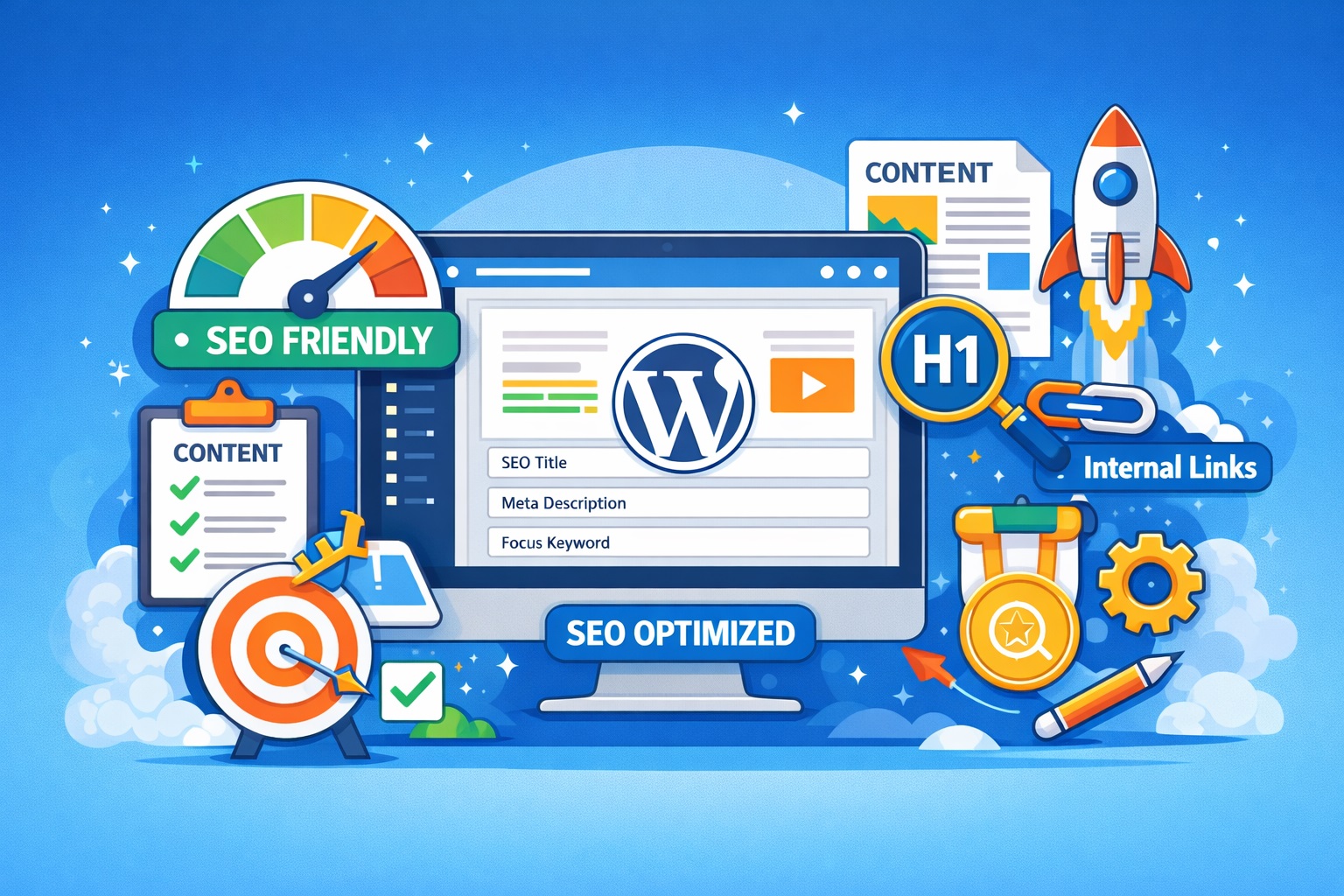
Search engines are still the gateway to online visibility, and if your website isn’t optimized for them, you’re losing potential traffic, leads, and sales. WordPress is the most widely used content management system (CMS) in the world, powering over 40% of websites globally. But popularity alone doesn’t guarantee performance — especially when it comes to SEO.
If you’re building or managing a website and wondering whether WordPress truly helps you rank better in Google and other search engines, this post breaks down exactly how it stacks up. From core features and technical SEO to plugin capabilities and platform comparisons, here’s everything you need to know to decide if WordPress is the right choice for your SEO goals in 2026.
1. How WordPress Handles Core SEO Elements
Permalink Structure
WordPress allows you to customize URL structures to include keywords and remove unnecessary parameters. Clean URLs like yourdomain.com/seo-tips are better for users and search engines compared to default ones with query strings.
Content Hierarchy and Structure
WordPress organizes content using posts, pages, categories, and tags. This helps create a logical site structure, making it easier for search engines to crawl and index your website. Internal linking between these elements also boosts SEO.
Mobile-Friendly by Design
Most modern WordPress themes are responsive, which means they automatically adapt to mobile devices. Since mobile usability is a confirmed Google ranking factor, this is a significant SEO benefit — though the quality depends on the theme used.
SEO-Friendly HTML Markup
WordPress generates clean and semantic HTML, which is easier for search engine bots to understand. Heading tags (<h1>, <h2>, etc.) are correctly applied in most themes, supporting structured content and better readability.
Core Web Vitals Compatibility
While not controlled directly by WordPress, many themes and performance-focused plugins support optimization for Core Web Vitals — including fast load times, interactivity, and visual stability — which are part of Google’s ranking criteria.
2. SEO Plugin Ecosystem in WordPress
Top SEO Plugins: Yoast, Rank Math, and All in One SEO
These are the three most popular SEO plugins in the WordPress ecosystem. Each offers:
- Meta title and description editing
- Keyword optimization suggestions
- Readability analysis
- Canonical tag management
- Control over indexing (noindex, follow/nofollow settings)
Yoast SEO has long been the industry standard, but Rank Math is gaining popularity due to its advanced features and lighter performance impact.
Schema Markup Support
Plugins like Rank Math and All in One SEO allow you to add structured data (schema) to your content. This helps search engines understand the content type (e.g., articles, products, reviews) and can improve click-through rates with rich snippets.
XML Sitemap Generation
SEO plugins automatically generate XML sitemaps and submit them to search engines. These sitemaps help bots discover and index your content more efficiently.
Social Media Metadata
These plugins also allow you to add Open Graph and Twitter Card data, ensuring that your links appear properly when shared on social media — which indirectly supports SEO by boosting visibility.
Automation vs. Manual Control
Whether you prefer full automation or want to fine-tune every meta tag manually, WordPress plugins offer flexibility. You can auto-generate metadata or override it page by page.
3. WordPress vs Other CMS Platforms for SEO
WordPress vs Wix
Wix has improved its SEO tools, including customizable meta tags and better URL structures. However, WordPress still outperforms Wix in flexibility, plugin options, and access to advanced settings like schema markup and custom robots.txt files.
WordPress vs Squarespace
Squarespace offers built-in SEO features and clean design templates. But it lacks the plugin ecosystem and deep customization of WordPress. For businesses needing specific SEO controls (like schema, redirects, or sitemaps), WordPress offers far more freedom.
WordPress vs Shopify
Shopify is built for e-commerce and includes basic SEO tools, but it’s more rigid than WordPress. You’ll need paid apps for advanced SEO functions, and even then, Shopify limits access to some technical areas like custom theme markup and full control over structured data.
WordPress vs Webflow
Webflow is a serious competitor when it comes to clean code and speed, especially for developers. It offers visual control over SEO elements and strong Core Web Vitals performance. However, WordPress still wins in ease of use, plugin flexibility, and community support.
Overall Comparison
WordPress strikes a balance between user-friendliness and SEO power. While other platforms have caught up in many areas, they often trade customization for simplicity. For most users — from bloggers to agencies — WordPress remains a strong choice for long-term SEO growth.
4. Technical SEO Advantages of WordPress
Site Speed Optimization
Site speed is a confirmed ranking factor, and WordPress offers several tools to enhance performance:
- Caching plugins like WP Rocket or W3 Total Cache
- Image optimization via ShortPixel or Smush
- Lazy loading for images and videos
- Integration with Content Delivery Networks (CDNs) like Cloudflare
Fast-loading pages reduce bounce rates and improve user experience — both critical for SEO.
Control Over Indexing and Crawlability
With SEO plugins or even built-in settings, WordPress allows:
- Custom control over noindex/nofollow tags
- Robots.txt file editing
- Easily blocking thin or duplicate content from being indexed
This gives you full control over what search engines see.
HTTPS and Security Integration
WordPress supports HTTPS easily via plugins and host-level SSL certificates. Secure sites are favored by Google, and HTTPS protects both SEO rankings and user trust. Regular updates and plugins like Wordfence improve security posture.
Structured Data (Schema) Integration
Structured data helps search engines better understand your content and generate rich results (like review stars, FAQs, and breadcrumbs). Plugins like Rank Math and Yoast make it easy to add schema types without writing code.
Customizable Technical Settings
Advanced users can go further:
- Redirect management (301, 302)
- Pagination and canonical tag control
- AMP (Accelerated Mobile Pages) support
All these allow precise control over how your content appears and performs in search engines.
5. Common WordPress SEO Mistakes to Avoid
Overusing or Conflicting Plugins
It’s tempting to install multiple plugins for every SEO need, but too many can cause conflicts, slow down your site, or duplicate meta tags. Stick to one well-maintained SEO plugin and avoid overlapping features.
Ignoring Site Speed
Choosing a bloated theme or poor-quality hosting can severely impact load times. Many users skip performance optimization, which affects Core Web Vitals and overall SEO. Always test your site speed using tools like Google PageSpeed Insights or GTmetrix.
Not Optimizing for Mobile
Although most WordPress themes are responsive, not all are optimized well. A poorly designed mobile layout can hurt rankings and user experience. Always test mobile usability using Google’s Mobile-Friendly Test.
Skipping Basic SEO Settings
Many beginners launch their site without:
- Setting a proper permalink structure
- Writing unique meta titles/descriptions
- Uploading XML sitemaps
- Configuring robots.txt
These basics are critical and should be handled before publishing content.
Choosing Poor Themes or Page Builders
Some themes come with messy code, inline CSS, or slow-loading assets. The same goes for heavy page builders that load unnecessary scripts. Use lightweight, SEO-optimized themes like Astra or GeneratePress and be selective with builders like Elementor or WPBakery.
Duplicate or Thin Content
Using duplicate product descriptions, placeholder pages, or publishing thin blog posts with little value can get your site penalized. Always prioritize quality, original content and combine similar pages when needed.
6. Final Verdict: Is WordPress Good for SEO in 2026?
Yes — WordPress is still one of the best platforms for SEO in 2026, but like any tool, its effectiveness depends on how you use it.
The platform offers a strong foundation for on-page and technical SEO. With a vast plugin ecosystem, customizable themes, and access to nearly every SEO setting imaginable, WordPress gives both beginners and experts the flexibility they need to optimize for search engines.
Compared to other platforms, WordPress stands out for:
- Full control over SEO elements
- A wide range of free and paid SEO tools
- Access to the backend for advanced technical optimization
However, it’s not automatically SEO-friendly. Success with WordPress depends on choosing the right plugins, using a performance-focused theme, avoiding common mistakes, and staying up-to-date with SEO best practices.
If you want full control, scalability, and the ability to grow your site’s visibility long-term, WordPress remains a top choice for WordPress SEO Services.